
Searching Cases by Name
The Colorado Judicial Branch Docket Search supports party and attorney searches. Choose Individual for a person, Business for an organization, or the attorney option for counsel’s calendar. A date range plus at least one other filter is required. Setting County to Archuleta is the clearest location limit.
- Open the official search and confirm that Archuleta County is selected.
- Choose Individual or Business, then enter the correct name fields. For counsel, use attorney name or bar number.
- Select a short date range and add the county, court type, division, or another useful filter.
- Compare the case number, event time, and hearing type across likely results. Review every results page.
- Verify the current setting through the clerk if similar names, old events, or a reset create doubt.
| Field Label | Type | Required | Notes |
|---|---|---|---|
| County | Dropdown | No | Choose Archuleta County to localize results. |
| Date Range | Dropdown or date | Conditional | Date requires at least one added filter. |
| First and Last Name | Text | No | Use with Individual mode. |
| Business Name | Text | No | Use with Business mode. |
| Attorney Name or Bar Number | Text | No | A bar number can reduce name ambiguity. |
The statewide interface is visible in the official docket search source.
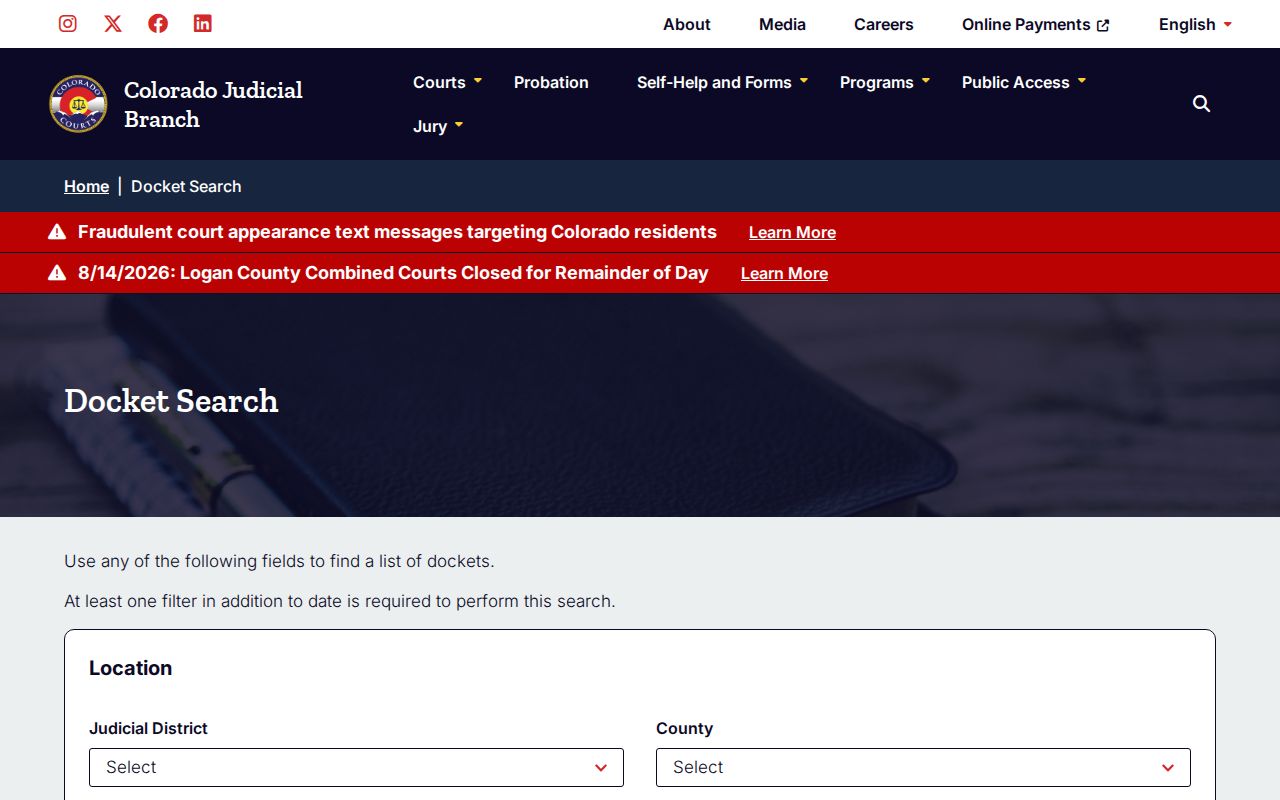
The captured form shows why search mode and field choice matter before a result row is reviewed.
Archuleta Case Search Finds Events
The free public search finds scheduled hearing events. It is not a complete Archuleta County case history. Results do not provide filed-document links, charges, statutes, bond terms, fees, dispositions, attorneys, or the full chronological Register of Action. One case can appear on several rows when the interface displays the same event once for each listed participant.
This difference changes the next step. Use the public docket for when and where. Request a Register of Action from the Clerk of Court for the sequence of activity. Ask for the actual pleading, order, judgment, ticket, or other named document when its text matters.
Note: A result row is public calendar data, not a certified account of the full Archuleta County court record.
Searching by Case Number
Colorado’s search form divides a case number into separate inputs. Enter a four-digit year, choose the case class, and type the numeric sequence. A format such as 2026CR123 means filing year 2026, criminal class CR, and sequence 123. Observed system formats also include M, T, CV, C, DR, PR, JV, and JD. Some civil, domestic, probate, and juvenile sequences use 300xx patterns.
Case class points toward the court and subject. CR usually identifies felony criminal in District Court. M and T generally point to misdemeanor or state traffic in County Court. CV is District Court civil, C is County Court civil, DR is domestic relations, PR is probate, and JV or JD is juvenile. No official Archuleta-only code key was found, so the live form and the notice should control.
Archuleta County Case Filter Code
The county-filtered official URL uses county code 4. That code is an interface value, not a case class or court division. Confirm that the form visibly names Archuleta County before relying on it, since a copied link can carry other filters or an old date range.
County selection does not turn the statewide event tool into a local full-record viewer. It simply narrows the calendar results to this court location.
Archuleta Case Search Returns Nothing
An empty search does not prove that no case exists. The date window may miss the next event. A name may be too specific, a sequence may contain a typo, or the setting may appear on a later page. The case could also be municipal, sealed, suppressed, juvenile, or otherwise restricted from remote view.
Use a simple recovery path. Widen the date range, remove an extra name term, verify the year, class, and sequence, and check all result pages. For a Pagosa Springs citation, contact Municipal Court. If the state matter is still absent, call the Archuleta Combined Courts clerk at 970-264-8160 or ask at 109 Harman Park Drive. When no case number is known, the statewide request form lists a $5 clerk name search.
What a Case Search Returns
The observed Archuleta County event table is a calendar inventory. It gives enough detail to match a setting, but it does not open a full case-detail record.
| Date and Time | The scheduled start of the public event. |
|---|---|
| Duration | The court’s expected time block, displayed in hours. |
| Name | A displayed party name; one matter may create several rows. |
| Case Number | The year, class, and sequence, such as 2026CV30001. |
| Hearing Type | A label such as Hearing, Status Conference, PreTrial Conference, or Hearing on Advisement. |
| Location and Courtroom | Archuleta County plus a courtroom number for the setting. |
| Appearance Type | Blank or VIRTUAL in observed results; remote appearance still needs court approval. |
Judge, filed date, disposition, document images, and full status history were not part of the observed public calendar row.
Archuleta Case Search Pagination
Search results are paginated, commonly at twenty rows per page. A needed event can sit beyond the first screen, especially when a broad party or attorney query covers many dates. Printable and export controls help review the returned set, but they do not add missing case-history fields.
Count matching case numbers and settings, not raw name rows. The same hearing may repeat for each displayed participant.
Archuleta Case Search or ROA
Stop searching the calendar when the question becomes “what happened in sequence?” The Colorado Record/Document Request Form calls that product a Register of Action, or ROA. It is a brief case explanation that can include charges, sentences, and minute orders. Filed orders and other documents remain separate request choices.
The Judicial Branch public-records access guide sets out the difference between free docket events, vendor data, and court documents.
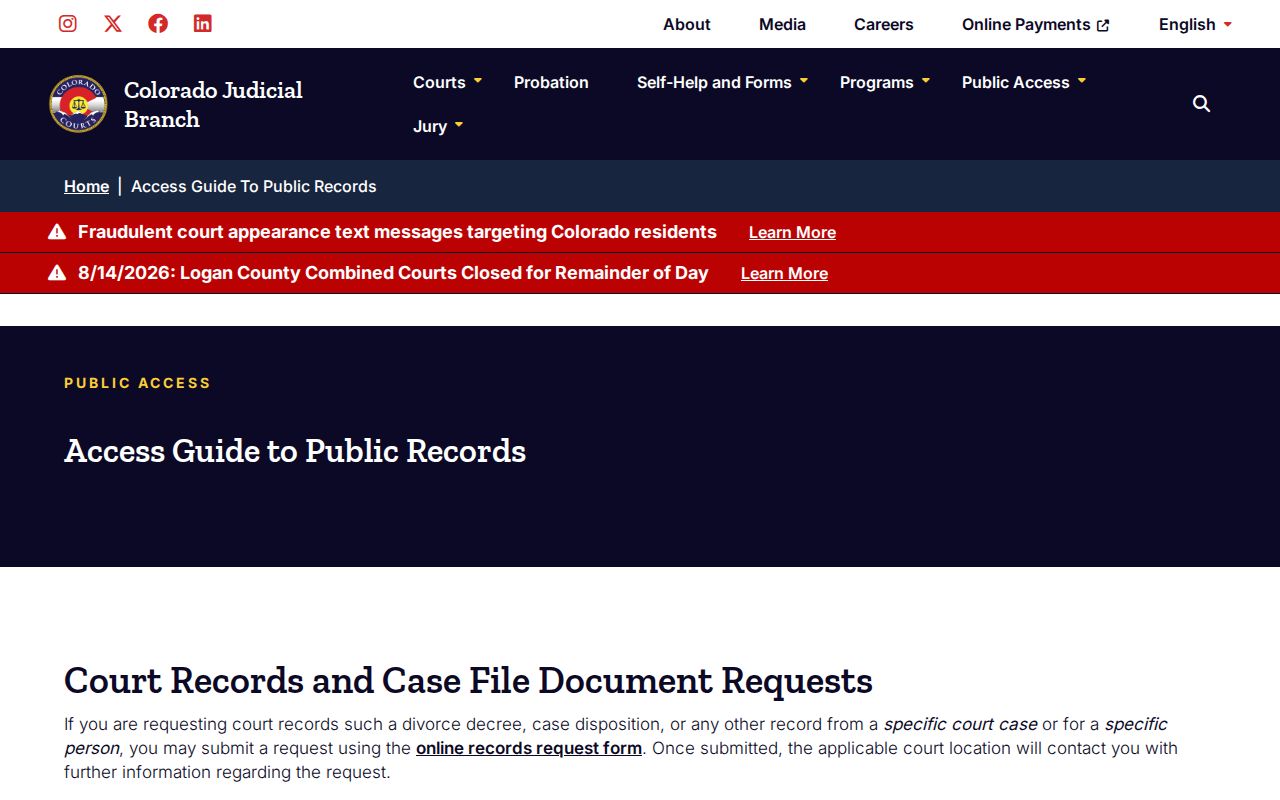
The source provides the decision point between another calendar query and a formal Archuleta County court record request.
Statewide vs County Case Search
Archuleta County does not operate a separate free full-case portal for District and County Court matters. The Colorado Judicial Branch Docket Search is statewide, with an Archuleta County filter. Approved vendors such as LexisNexis CoCourts provide paid informational case-history data from participating county and district case-management systems. The clerk remains the source of the official record.
| Channel | What it gives | Best use |
|---|---|---|
| Judicial Branch Docket Search | Free scheduled events | Find an Archuleta County hearing date and place |
| Approved CoCourts search | Fee-based informational case history, without document images | Search broader real-time case-history data |
| Combined Courts clerk | Official ROA and requested case documents | Obtain an authoritative record or copy |
The approved CoCourts portal timed out during research, so its current fields, price, login rules, and result limits were not verified.
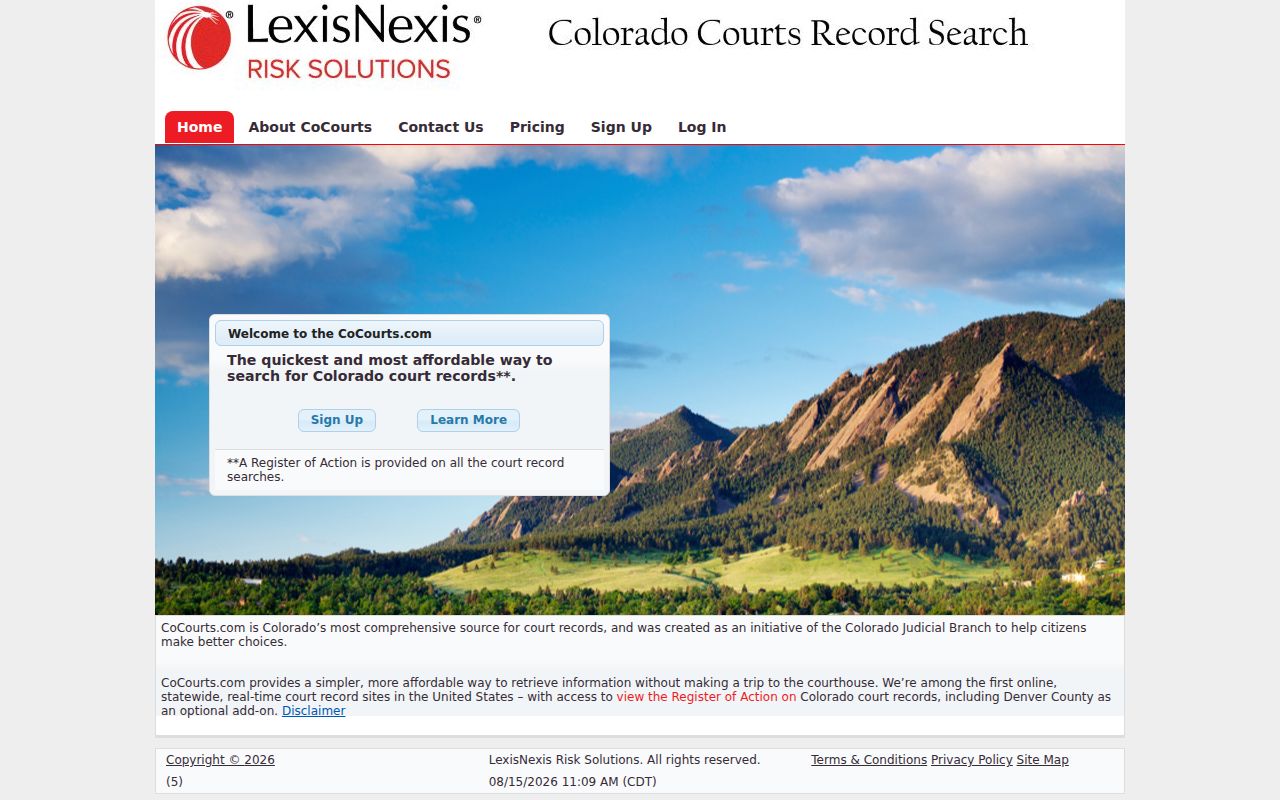
The capture documents the approved vendor route without treating vendor output as the official Archuleta County court record.
Archuleta County Case Search Workflow
Use the least personal detail needed to locate the right public event. A known case number is more precise than a common name. Record the court, case class, hearing label, and current date, then verify those fields without copying unrelated parties’ details.
This workflow keeps the Archuleta County case search focused on following a matter, confirming a setting, and obtaining the correct official record.
Archuleta Case Search Is Not E-Filing
Colorado Courts E-Filing is an account-based filing and service system. It is not the free public Archuleta County case search. Authorized users can file in supported case types. Eligible non-attorneys may opt into their own supported domestic-relations or eviction matter and, after court acceptance, access that case’s documents.
Do not use an e-filing login as a substitute for public access. Calendar users should start with Docket Search. A party seeking the official history or a document should use the record request process. The boundaries protect both accurate filing work and lawful access.
Archuleta Case Search Access Rules
Colorado Chief Justice directives govern court-record access, fees, and electronic data. CJD 05-01 addresses public and remote access, excluded records, vendors, and corrections. CJD 08-02 supports electronic-access cost recovery. The Judicial Branch, rather than a generic county records office, controls filed state court material. The Chief Justice Directives index is the official starting point for current directives.
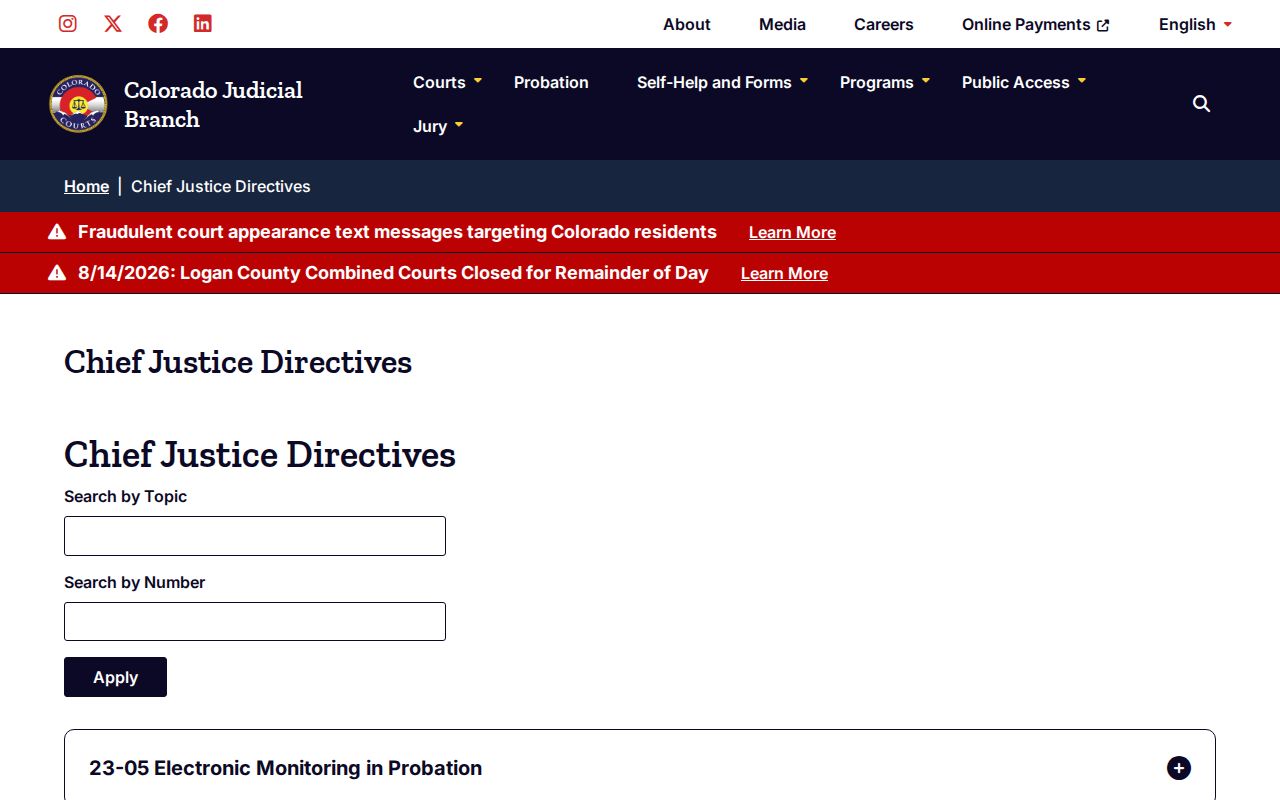
The index links the policy layer behind public event access, paid data channels, and clerk-held case files. The CJD 05-01 access page focuses on access to court records.
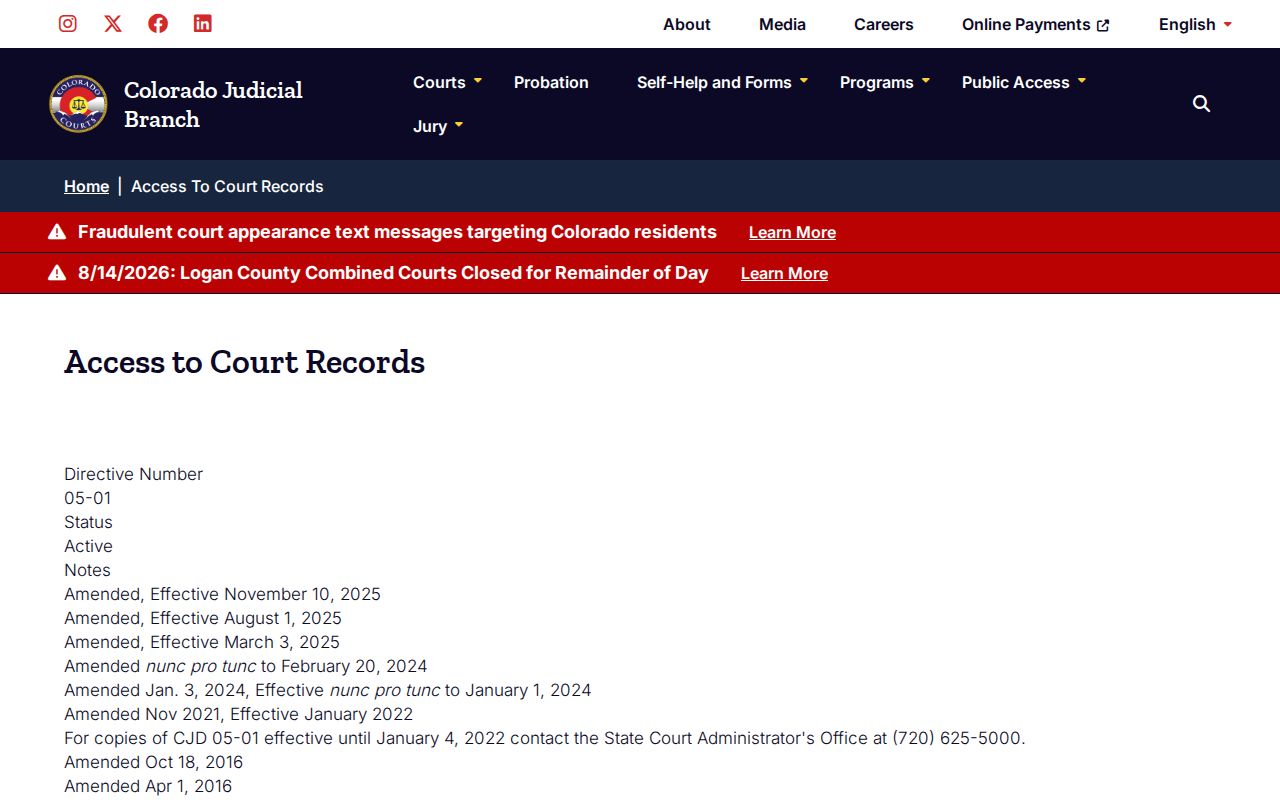
That source explains why public availability can vary by record, medium, and legal restriction.
Access and Restricted Cases
Sealed and suppressed matters may be omitted or masked. Juvenile information can be restricted under Colorado Title 19 and CJD 05-01. Probate is not wholly secret, but some records and protected data require identity or authority review. Confidential identifiers may be redacted even when a nonconfidential event remains public.
The clerk cannot disclose a restricted file merely because a requester supplies a name. The Record/Document Request Form warns that suppressed, juvenile, probate, or protected-information requests may require government-issued photo identification. Authorized access depends on the law, court rules, and any case-specific order.
Search limit: Failure to find a public result is not proof of sealing, expungement, or the absence of an Archuleta County case.
Verify the court, class, date range, and municipal or state path before drawing a conclusion.