
Traffic Court Records in Archuleta County
Which office holds your Archuleta County traffic record? It depends on the law you were cited under. A Colorado state citation lands in Archuleta County Court through the state court system. A ticket for a town ordinance belongs to Pagosa Springs Municipal Court instead. The citation itself names the court and sets the appearance or payment deadline. That printed direction beats any broad online search you might run later.
Behind the counter sits the Clerk of Court at Archuleta Combined Courts. That office keeps the state County Court traffic files. Those files can show the charge. They also cover each court setting, the plea, the disposition, and the costs. Pagosa Springs Municipal Court is separate. It keeps its own municipal case files and posts dated daily docket PDFs. It offers no confirmed public portal for party or citation status, so a town ticket may never surface in Colorado's state Docket Search.
- Colorado-law citation: Archuleta County Court clerk holds the record; begin with the Colorado Judicial Branch Docket Search.
- Pagosa Springs ordinance citation: Municipal Court holds the record; begin with the printed citation and town court.
- Unclear court: preserve the ticket number and ask the issuing agency or listed clerk which court received it.
Archuleta Traffic Records Split
The split trips people up. Why? Pagosa Springs is both the county seat and the only incorporated town in Archuleta County. The Archuleta County Justice Center holds District Court, County Court, and the combined clerk. Town Hall runs the municipal court as a completely different operation. So address alone tells you nothing about where a citation lives. What matters is the charging authority and the law printed on the ticket.
Case numbers look different too. State traffic cases usually carry a T class, such as 2026T123. Municipal daily docket records use town formats. 26MT123 is the traffic format, plus separate MC and MJ formats for municipal criminal and juvenile matters. Treat these as format examples only, not live case numbers. Is the citation unclear? Call the court printed on it before you try to pay.
Note: if nothing appears on the state calendar, the ticket may simply be municipal. The citation and its response deadline still stand.
How to Look Up a Traffic Ticket
For a state citation, the Archuleta-filtered Docket Search is the way to check a hearing event. Select Archuleta, County Court, and the T case class, or type the year, class, and sequence yourself. A date filter alone will not work. The Docket Search demands at least one more. Keep in mind it lists events only. It does not replace the full Register of Action or the filed ticket.
The Sixth Judicial District payment page offers three ways to look up a case. Use the case number, a name with date of birth, or the ticket number. A state case still missing after that deserves a call to the Archuleta Combined Courts clerk at 970-264-8160. A trip to the counter works too. For a municipal citation, status comes through Pagosa Springs Municipal Court by phone, mail, or an in-person visit.
- Read the court name, citation number, and response date printed on the ticket.
- For state court, search the county calendar by T case components and a narrow date range.
- Use the payment lookup by case number, ticket number, or name plus date of birth.
- For a town ticket, contact Pagosa Springs Municipal Court because no interactive municipal status search is confirmed.
- Call or visit the correct clerk if the citation has not posted, then record the current setting and instructions.
Archuleta Traffic Payment Search
The Sixth District payment route starts by making you pick a county. That comes before any search method. Use the ticket number when it is legible, since that is the most direct route. A state case number works too, once the case has been assigned. The name search only functions alongside a date of birth. Remember what these fields do: they locate an account to pay. They do not replace the public event calendar or the clerk's traffic case record.
| Payment Lookup Field | Type | Archuleta Traffic Record Use |
|---|---|---|
| County | Required dropdown | Select Archuleta |
| Case number | Text | Use the assigned state court number |
| Ticket number | Text | Use the identifier printed on the citation |
| Name | Alternate text route | Pair with date of birth |
| Date of birth | Conditional date | Required for the name route |
Pagosa Springs says online court payments are not available right now. Municipal citation payments run through a clerk-assisted phone card payment, a check by mail with your name and case or citation number, or an in-person visit to Town Hall. Skip the town's general utility-payment link, since it does not handle a municipal court balance.
Finding Your Traffic Court Date
The appearance date printed on your Archuleta County traffic citation is the first notice to save. For a state T case, check it against the newest Judicial Branch calendar event. That result can list the hearing date, time, duration, case number, hearing type, location, appearance mode, and courtroom. One caution applies. A label like Hearing on Advisement marks a case-processing event, not necessarily a trial.
Resets take court action, full stop. Missing the old date or phoning the clerk does not move a hearing. Line up the latest signed notice or order. Add the newest calendar row and clerk confirmation before you rely on anything. A VIRTUAL result is not permission to appear remotely either. The court must authorize that, and any public livestream is for watching only.
| Citation or Case Number | A printed ticket number or state format such as 2026T123. |
|---|---|
| Court | Archuleta County Court for a state T case, or Pagosa Springs Municipal Court for a town citation. |
| Date and Time | The current appearance, advisement, pretrial, review, or other court setting. |
| Location | The court named in the current notice, with courtroom or appearance mode when shown. |
| Status | Confirm the latest setting and any disposition through the responsible clerk. |
Archuleta Traffic Docket Labels
A state traffic result often carries a broad hearing label rather than a full explanation. “Hearing on Advisement” relates to rights and early case processing. “PreTrial Conference” covers readiness, negotiation, or scheduling. An entry that just says “Hearing” tells you little. You may need the notice or a clerk's answer to learn what the setting is actually about.
- Advisement
- An appearance addressing rights, the allegation, and the next step.
- Pretrial
- A setting before trial for case management and readiness.
- Disposition
- The recorded outcome or status resolving the traffic charge.
- Reset
- A court-authorized move to another date.
What the public row will not show is the full charge, the plea, any balance, or the final disposition. Ask the court for the traffic ROA or disposition when the label alone leaves your question open.
Missing Archuleta Traffic Record
A brand-new citation often escapes the first docket search. Start with the paper ticket itself. It names the issuing court, and its ticket or case number must be typed character by character. On the state calendar, choose Archuleta County, County Court, and the T class. Add a useful date window. A date alone will not carry the state form. If you search by name, loosen an over-specific entry and confirm the form is set to person rather than business mode.
Then call the right clerk. Archuleta Combined Courts keeps the state case; Pagosa Springs Municipal Court keeps a town citation. Give the citation number when you have it, and ask for the current appearance date, response instructions, and any Register of Action or disposition. Nothing posted online cancels a ticket, a deadline, a balance, or a court order.
Fallback chain: Check the citation, search the correct calendar, call the responsible clerk, and request the traffic disposition or ROA when needed.
Paying or Contesting a Ticket
Paying a ticket and contesting it are not the same errand. Paying resolves the citation with plea and conviction consequences. To fight it, follow the named court's plea or appearance instructions by the deadline. An online payment never replaces a required response, and no payment belongs with the wrong court.
The Sixth District sets state fines and fees due on sentencing day. Can't pay in full? Apply for a payment plan. The plan carries an annual processing fee. Deferred judgment, deferred disposition, and driving-course relief are not automatic in Archuleta County. Eligibility turns on the charge, the case, the prosecutor or court, and a timely request. No universal traffic relief fee or rule exists.
| Paying the Archuleta Ticket | Contesting the Archuleta Ticket |
|---|---|
| May enter or complete a plea-based resolution | Requires the court's plea or appearance process |
| Use only the payment channel approved by the named court | Do not substitute online payment for a response |
| Confirm the exact amount and case before payment | Meet the citation or court deadline |
| Keep the receipt and later verify disposition | Record the trial, pretrial, or other setting issued by the court |
Missed date or payment: Failure to appear or comply may cause added court action, collections, a warrant where allowed, or DMV action when reported. Contact the responsible court promptly.
Archuleta Municipal Traffic Payments
Pagosa Springs Municipal Court takes payments through channels of its own, and its official municipal traffic and court payment page says online court payments are unavailable. Card payments go through the clerk by phone. You can also mail a check. Send it to Pagosa Springs Municipal Court, P.O. Box 1859, Pagosa Springs, CO 81147. In person, pay at Town Hall, 551 Hot Springs Boulevard.
Put your name plus the case or citation number on any mailed check. Check the municipal court page, the citation, and clerk instructions before sending money. These routes serve Pagosa Springs court matters only. They do not handle state County Court tickets. The Sixth District state collections line cannot stand in for the town court either. Keeping the two channels straight matters. It prevents delays and payments landing in the wrong system.
Note: Confirm any Pagosa Springs plea and balance with Municipal Court, since its published fee order is not a universal fine schedule.
Court Traffic Record vs Driver Record
A Colorado traffic court file and a driving record are two different documents. They sit in two different hands. Archuleta County Court or Pagosa Springs Municipal Court keeps the court file. It can show the citation, the charge, court dates, the plea, the disposition, and court costs. The Colorado Division of Motor Vehicles keeps the driving record. That one lists reported convictions, points, and license status. The files don't swap.
Ask the court that heard the citation for its disposition. Then use the official Colorado DMV driving-record channel for the state record. A free hearing search is narrower than both. It tracks scheduled court events only. When you need an official outcome, ask the clerk for the exact traffic disposition. Ask whether certification is required.
| Traffic Court File | Held by the correct court; shows the citation, settings, plea, disposition, and court costs. |
|---|---|
| Colorado Driver File | Held by the DMV; shows reported convictions, points, and license status. |
| Request Route | Use the court clerk for the first file and the Colorado DMV for the second. |
The DMV's point and suspension information covers its own administrative record. It does not replace the court's file.
Archuleta Traffic Records Stay Local
Federal docket systems hold no Archuleta County traffic citations. PACER covers federal district, bankruptcy, and appellate cases. Ordinary state T cases stay with Archuleta County Court. Municipal traffic cases stay with Pagosa Springs Municipal Court. A federal search helps only in a truly federal case.
Colorado's traffic-records system overview and state citation-data analysis describe broad agency data. Neither is a personal Archuleta court docket.
The official PACER interface shows that separate federal record channel.
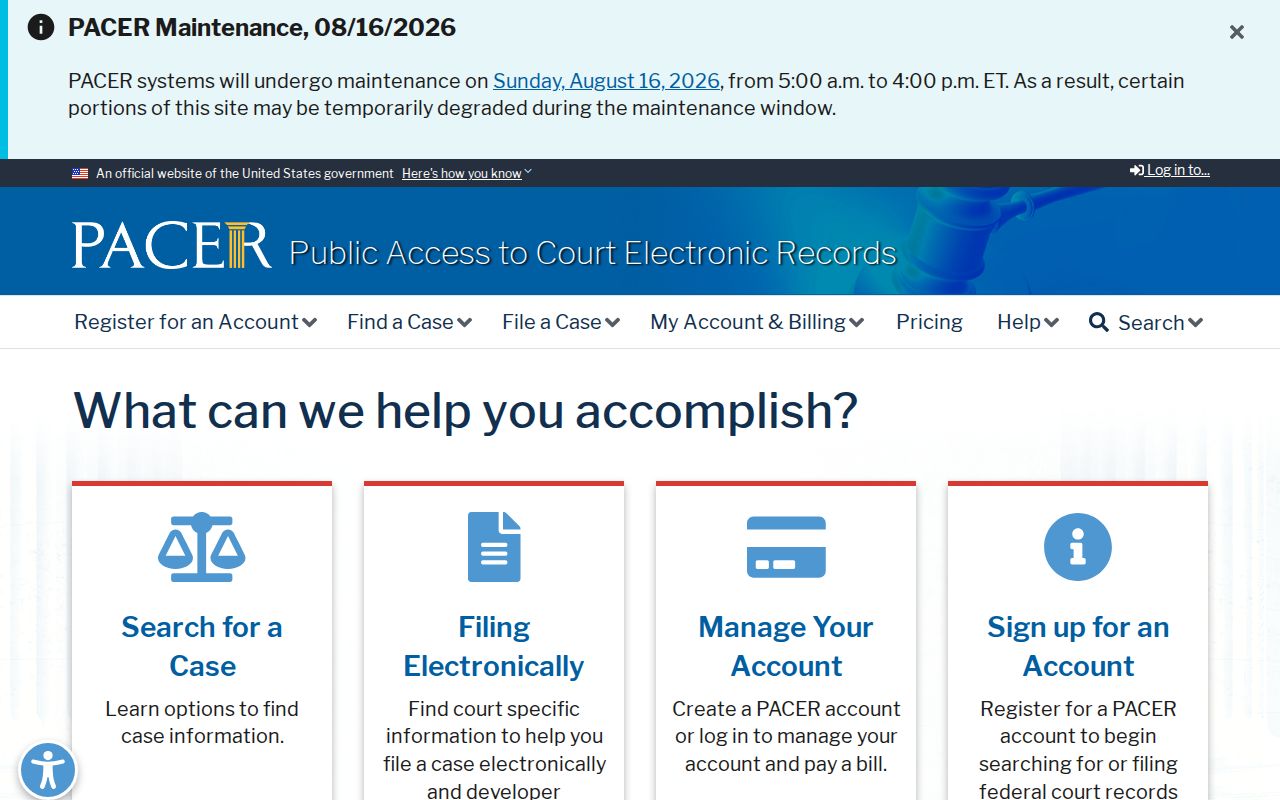
PACER will not lead you to a Colorado traffic citation, a County Court setting, or a Pagosa Springs municipal ticket. It simply does not hold that kind of court docket. The U.S. Bankruptcy Court for the District of Colorado keeps a separate federal docket of its own.
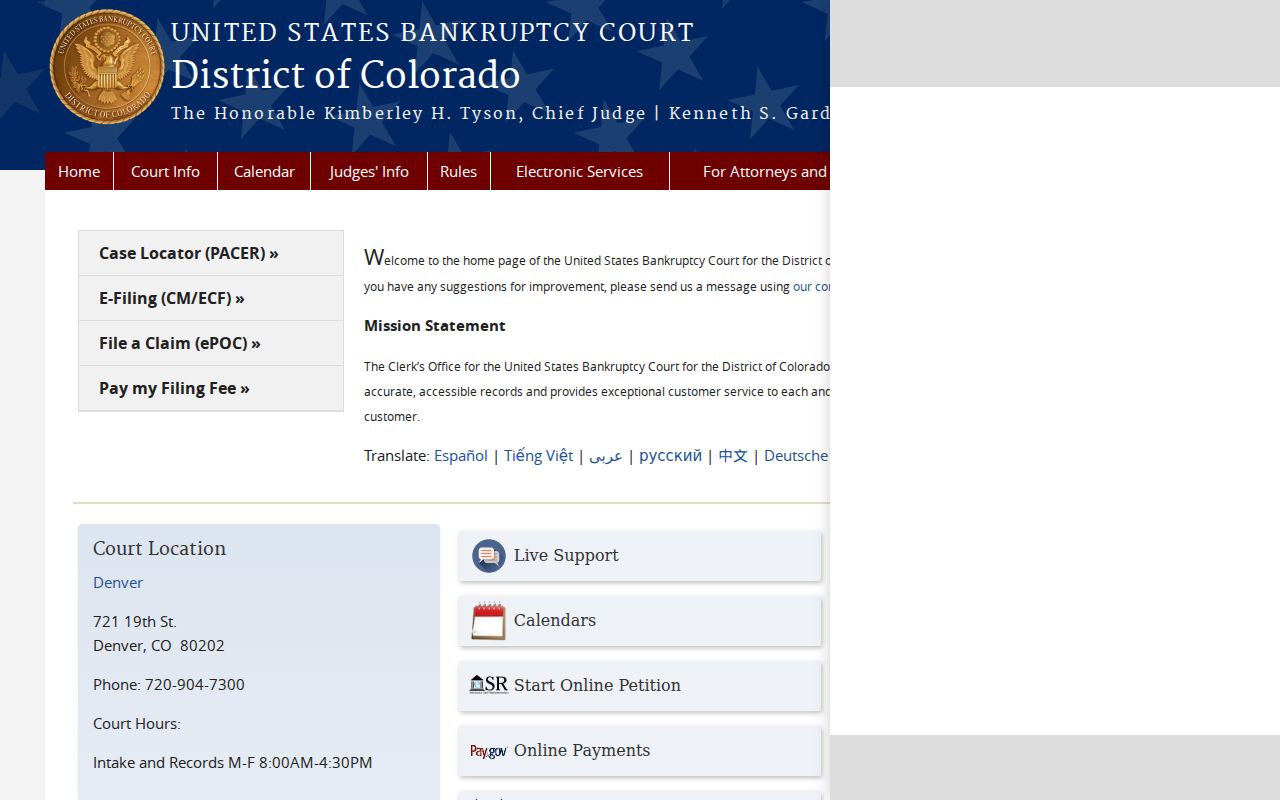
That federal court page marks a jurisdiction line. It changes nothing about where an Archuleta traffic ticket is searched, answered, or paid.
Fees and Copies
State traffic copies in Archuleta County follow the Colorado court request fee schedule. A plain copy is priced by the page. Certification costs extra, charged per document on top of copying. No case number? A paid name search can find one. The clerk quotes off-site retrieval or research costs when a request needs extra work.
The Municipal Court fee order sets its own copy and certification charges, separate from any citation fine or court cost. Ask the office that needs the record whether a plain disposition suffices. Then order from the court that issued the result.
| Archuleta Traffic Record Item | Fee | Notes |
|---|---|---|
| State traffic case copy | $0.25 per page | Statewide court request form |
| State certified disposition | $20 per document | Plus applicable copy cost |
| State name search | $5 | Use when the case number is unknown |
| State payment plan | $25 annual fee | Sixth District processing fee |
| Municipal certified copy | $10 | Pagosa Springs fee order |
| Municipal copy | $0.25 single-sided; $0.50 double-sided | Not the case fine |
Archuleta Certified Traffic Disposition
A calendar line tells you a hearing was set. It rarely tells you how the traffic case ended. Need the final plea, the sentence, or anything filed later? Go to the official court record itself. For a state traffic ticket in Archuleta County, fill out the Colorado Record/Document Request Form. You can also call the Archuleta Combined Courts clerk. Name the ticket. Share the case number. Ask for certification when the person receiving the proof needs it stamped as authentic.
Pagosa Springs citations work differently. Ask the Municipal Court there for the municipal disposition. The town posts a dated docket PDF with scheduled matters. Some fields help. But treat it as a lead, not a full case register. It will not show every plea, balance, disposition, or filed paper. The docket entry points you toward the official file. The file is still the thing that counts.
For payment questions on a state case, call collections at 970-264-8196 or 970-385-6145, or write 06Collections@judicial.state.co.us. Questions about a court record or a hearing setting go to the clerk. Municipal matters belong to Pagosa Springs Municipal Court, which publishes its current phone and submission details. Keep three things separate in your mind. These are the case file, the payment account, and the next court date. Sorting them out first makes every request sharper.